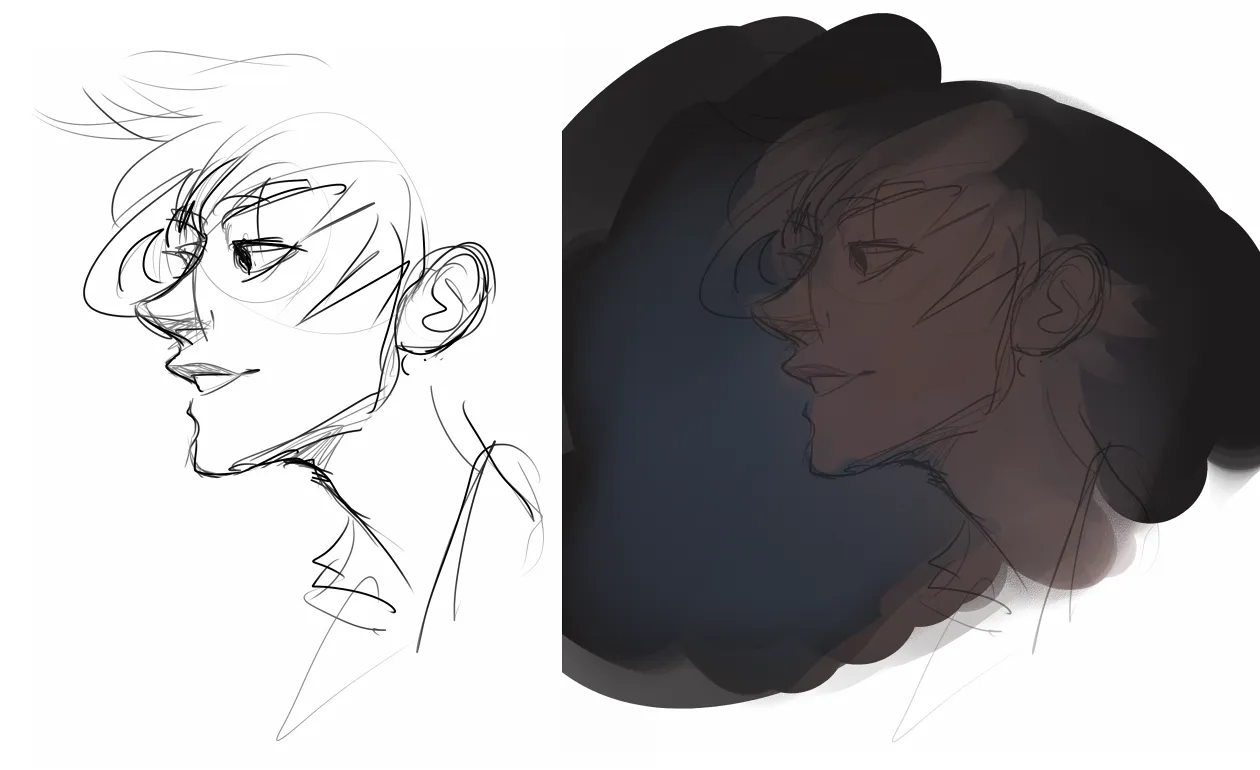
Digital drawing tips can completely transform the way you create art on a tablet or computer. Whether you’re just starting out or trying to refine your skills, the right guidance can make digital art feel less overwhelming and far more exciting.
I remember the first time I opened a drawing app on a tablet. There were layers, brushes, blending modes, and shortcuts everywhere. It felt like stepping into a cockpit full of unfamiliar buttons. But once I understood a few foundational techniques, everything started to click.
Digital art isn’t about mastering every tool at once. It’s about building confidence step by step.
Why Digital Drawing Tips Matter for Modern Artists
Digital art has become more accessible than ever. Tablets, styluses, and creative software are widely available. But accessibility doesn’t automatically mean ease.
That’s where Digital drawing tips become essential. They help beginners avoid common mistakes while helping experienced artists refine their workflow.
Unlike traditional drawing, digital platforms offer features like undo buttons, layers, and customizable brushes. Learning how to use these effectively can dramatically speed up progress.
With the right approach, technology becomes an advantage rather than a distraction.
Choosing the Right Tools for Digital Art
Before applying advanced techniques, it’s important to understand your tools.
A responsive stylus and a pressure-sensitive tablet make a noticeable difference. Pressure sensitivity allows lines to vary in thickness naturally, mimicking traditional drawing.
Many artists improve quickly when they apply practical Digital drawing tips related to brush settings. Adjusting stabilization, opacity, and flow can instantly enhance line quality.
The software you choose also matters. Programs designed for illustration offer intuitive interfaces and customizable workspaces.
The key is not the most expensive setup. It’s understanding how to use what you have effectively.
Mastering Layers: The Foundation of Digital Drawing
Layers are one of the biggest advantages of digital art.
Think of layers as transparent sheets stacked on top of each other. You can sketch on one layer, ink on another, and color on a separate layer.
Many Digital drawing tips focus on proper layer management because it prevents frustration later. Naming layers clearly and organizing them into groups keeps projects clean and manageable.
When mistakes happen, you can adjust one layer without affecting the entire drawing.
This flexibility gives artists creative freedom and reduces fear of errors.
Improving Line Art with Digital Drawing Tips
Clean line work forms the backbone of strong digital illustrations.
One helpful strategy is to sketch lightly on a lower-opacity layer before inking on a new one. This mirrors traditional sketching and refining.
Applying Digital drawing tips like zooming in for details but zooming out frequently to check proportions improves overall balance.
Using brush stabilization carefully can help create smoother strokes. However, relying on it too heavily may reduce natural movement.
Practice steady strokes with confidence rather than short, hesitant lines.
Understanding Light and Color Digitally
Color behaves differently on screens compared to paper.
Digital tools allow instant color selection and blending. This convenience is powerful but can feel overwhelming.
One of the most practical Digital drawing tips is limiting your color palette. Start with a few complementary colors before expanding.
Layer blending modes, such as multiply and overlay, help create realistic shadows and highlights.
Learning how digital light interacts with layers adds depth and realism quickly.
Creating Depth with Shading Techniques
Shading in digital art often involves soft brushes and layer effects.
Instead of shading directly on the base color, use separate layers for shadows. This keeps your work flexible and editable.
Many artists improve dramatically when they apply structured Digital drawing tips focused on light direction. Decide where your light source is before shading.
Consistent lighting creates cohesive and believable artwork.
Blending tools can soften transitions, but over-blending may remove texture. Balance is essential.
Using References Without Losing Creativity
Reference images are not shortcuts. They are learning tools.
Even professional artists rely on references for anatomy, perspective, and lighting.
Among the most valuable Digital drawing tips is studying real-world objects and translating them into stylized art.
Using references strengthens observation skills while still allowing personal interpretation.
Creativity grows when knowledge supports imagination.
Speeding Up Workflow with Shortcuts
Efficiency matters, especially for artists working on commissions or tight deadlines.
Learning keyboard shortcuts can significantly speed up your process. Switching brushes, undoing strokes, and adjusting layers quickly saves time.
Some of the most effective Digital drawing tips focus on customizing your workspace to match your habits.
Arranging tools within easy reach reduces distractions and keeps your creative flow uninterrupted.
A streamlined workflow makes drawing feel smooth and enjoyable.
Overcoming Common Beginner Mistakes
Beginners often zoom in too much and forget to view the full composition.
Regularly zooming out ensures proportions remain accurate. This simple habit is one of the most overlooked Digital drawing tips.
Another common mistake is overusing special effects. Glows, textures, and filters should enhance art, not overpower it.
Focus first on fundamentals like structure, perspective, and lighting.
Strong basics create stronger final pieces.
Practicing Consistently for Improvement
Skill development requires repetition.
Setting aside time daily to practice small exercises builds muscle memory. Sketching simple objects digitally strengthens control.
Following structured Digital drawing tips while practicing keeps improvement focused rather than random.
Over time, strokes become more confident and natural.
Progress often feels slow at first, but consistency compounds growth.
Exploring Different Art Styles
Digital platforms allow experimentation without wasting materials.
Artists can explore realism, anime, minimalism, or painterly styles easily.
Applying adaptable Digital drawing tips across styles helps maintain strong fundamentals regardless of aesthetic choice.
Trying different brush textures and techniques expands versatility.
Digital art encourages exploration without permanent commitment.
Managing Creative Blocks
Every artist faces creative blocks.
When inspiration feels low, returning to basic Digital drawing tips can reignite creativity. Practice simple shapes, shading exercises, or quick character sketches.
Sometimes, changing brush settings or color palettes sparks new ideas.
Creative slumps are temporary. Structured practice restores momentum.
Protecting Your Digital Artwork
Saving work frequently prevents heartbreak.
Cloud storage and backup systems protect valuable projects from technical failures.
Professional artists often recommend organizing files systematically. Clear file names and version tracking simplify revisions.
Practical Digital drawing tips include exporting artwork in appropriate formats for web or print use.
Protecting your work is part of professional growth.
Learning from Online Communities
The digital art community is vast and supportive.
Artists share tutorials, feedback, and process videos across platforms.
Engaging with others while applying structured Digital drawing tips accelerates learning.
Constructive feedback reveals areas for improvement.
Community involvement fosters motivation and accountability.
Building Confidence Through Small Wins
Confidence in digital art grows gradually.
Completing small projects builds belief in your abilities. Finishing a character sketch or landscape design feels rewarding.
By consistently practicing proven Digital drawing tips, artists begin to trust their instincts.
Each completed artwork becomes proof of growth.
Confidence fuels creativity.
EEAT-Based Approach to Digital Art Learning
This article is developed following Experience, Expertise, Authoritativeness, and Trustworthiness standards.
The strategies discussed reflect widely accepted digital illustration practices used by professional artists and educators.
Artists are encouraged to continue learning through credible tutorials, courses, and community feedback.
High-quality Digital drawing tips provide structured guidance while encouraging independent exploration.
Digital art thrives when technical knowledge and creative curiosity work together.
Read also:
6616337440
2816701587
8556605761
4697127200
8442627910